ZapQuake Calculator

Match your levels, choose a target, and get the fewest Lightning + Earthquake spells needed.

Unofficial fan-made tool. Not affiliated with Supercell.

Step 1

Your loadout

Choose a max loadout or set the spell levels you are bringing.

Max loadout
Town Hall limitsOptionalOff — every level is available. If enabled, limits will use Town Hall 18.
Lightning
Levels 1-13
Earthquake
Levels 1-8
Advanced loadoutOptional max-level and spell-count locks
Set the most of each spell you can bring. These limits apply whichever target you select.
015
04
Step 2

Choose a target

Pick one building or hero to calculate against.

Building
Level 3
L11–16 availableL16
Add equipment damageOptional

Air Defense, Level 3: 1 Earthquake and 2 Lightning spells, 3 spells total.

Plan your attack

More ZapQuake help

How ZapQuake works

  1. Choose a max loadout or enter the spell levels you plan to bring.
  2. Turn on Town Hall limits only when you want every choice kept within one Town Hall.
  3. Choose the building or hero and match the level you see in game.
  4. Add only the equipment that will hit the target, then use the lowest spell count with enough overkill.
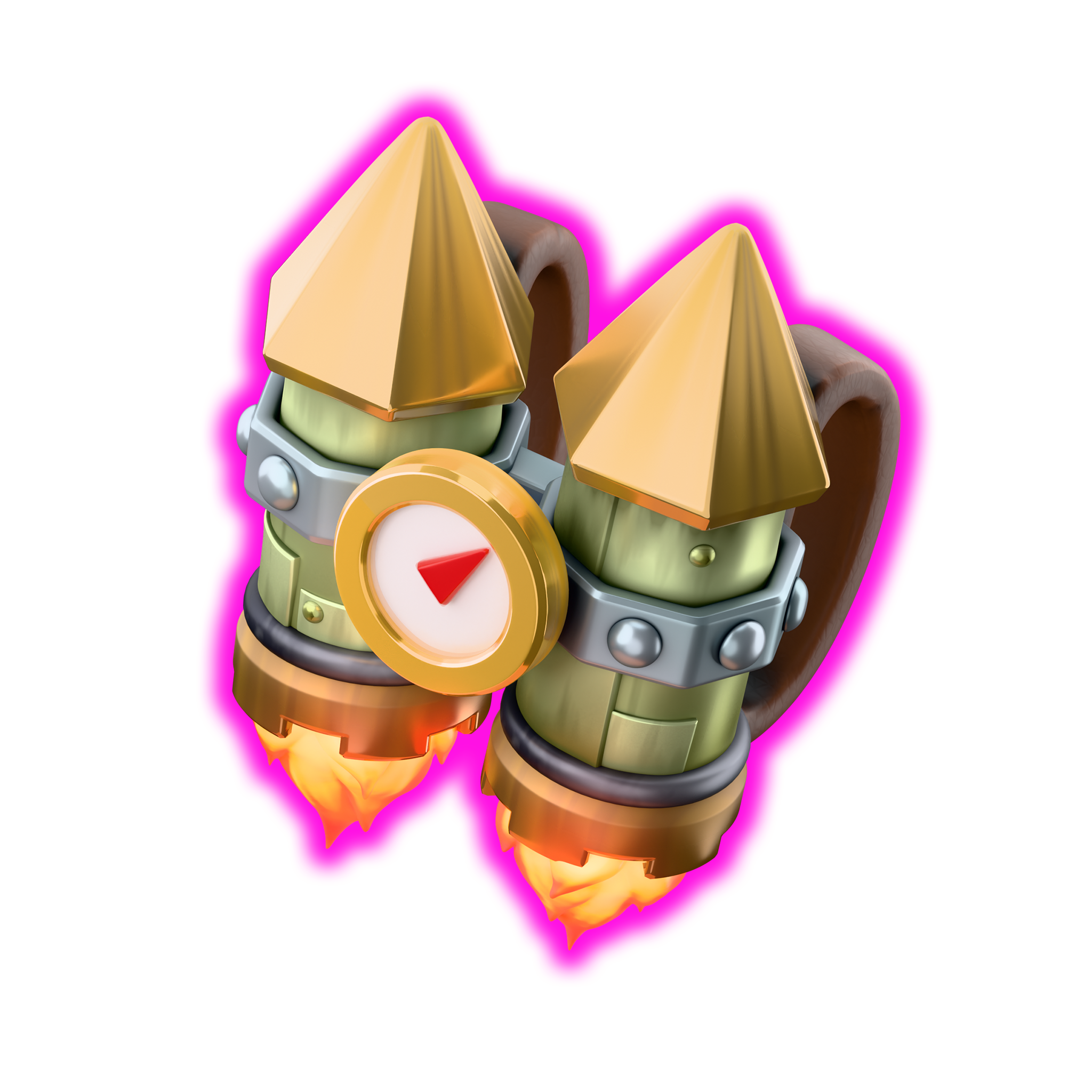
Dragon Duke Rocket Backpack equipment icon

New

More hero equipment support

Include Rocket Backpack, Flame Blower, and Spiky Ball damage in building plans without leaving the main ZapQuake workflow.

Supported targets

Use ZapQuake for live defense planning, spell-count comparisons, and hero spell math when you need a fast answer before an attack, including supported hero equipment damage alongside the standard zap quake calculator flow.

Hot Candle | Hero Hunter | Cake-A-Pult | Clan Castle | X-Bow | Scattershot | Monolith | Spell Tower | Inferno Tower | Revenge Tower | Fire Spitter | Mortar

Hero calculations

  • Choose the active ranked modifiers so the hero's effective HP is correct.
  • Only Earthquake levels 6-8 damage ground heroes.
  • Minion Prince and Dragon Duke cannot be damaged by Earthquake because they are air heroes.
  • Rocket Backpack and Flame Blower do not count toward hero results.

FAQ

How do I get a result that matches my attack?

Match the target level and your spell levels first. For heroes, choose the ranked modifiers that are active. Only turn on equipment if its ability will hit the selected target.

What does overkill mean?

Overkill is the damage left after the target reaches zero HP. If a combo shows 40 HP of overkill, it deals 40 more damage than the target needs. A larger number gives you more room for a small level or modifier mistake.

Why can't I select a higher level?

When Town Hall limits are on, ZapQuake hides levels that are not available at the selected Town Hall. Turn the optional limits off when you want to compare every supported level.

Which hero equipment can I include?

All five equipment options can count against a building. Fireball, Giant Arrow, and Spiky Ball can also count in eligible hero results. Rocket Backpack and Flame Blower stay building-only. Spiky Ball uses the damage to your selected target; it does not simulate the rest of its bounces.

Can Earthquake damage heroes?

Only Earthquake levels 6-8 damage eligible ground heroes. Levels 1-5 do not hit heroes, and Minion Prince and Dragon Duke are immune because they are air heroes. Ranked modifiers still change the HP you need to beat.

Why does the result say "Not possible"?

Your current spell limits do not have enough damage for that target. Open Advanced to raise the number of Lightning or Earthquake spells, increase your spell or equipment levels, or check that the target level and HP modifiers are correct.

Does ZapQuake remember my setup?

Yes. Your Town Hall limit preference, spell levels, target, and equipment choices are saved on this device. Use Reset above the calculator when you want to start over.

Is this tool official or affiliated with Supercell?

No. ZapQuake is an unofficial fan-made tool and is not endorsed by or affiliated with Supercell.

About ZapQuake

ZapQuake answers one question: what is the cheapest spell combo that takes this target down? Match the levels from the base you are scouting, add any damage that will actually land, and check the overkill before you commit the attack.

When to use this calculator

  • You are deciding between all Lightning or an Earthquake + Lightning mix.
  • You want to know whether equipment damage saves a spell.
  • You need a little overkill instead of a combo that only works at exact HP.
  • You are attacking a hero with ranked modifiers active.